Writing with AI
Story Bible App: How to Build a Story Bible That Keeps Up With Your Book (2026)

Romance novelist writing cozy, small-town love stories from a bookshop café in Asheville.
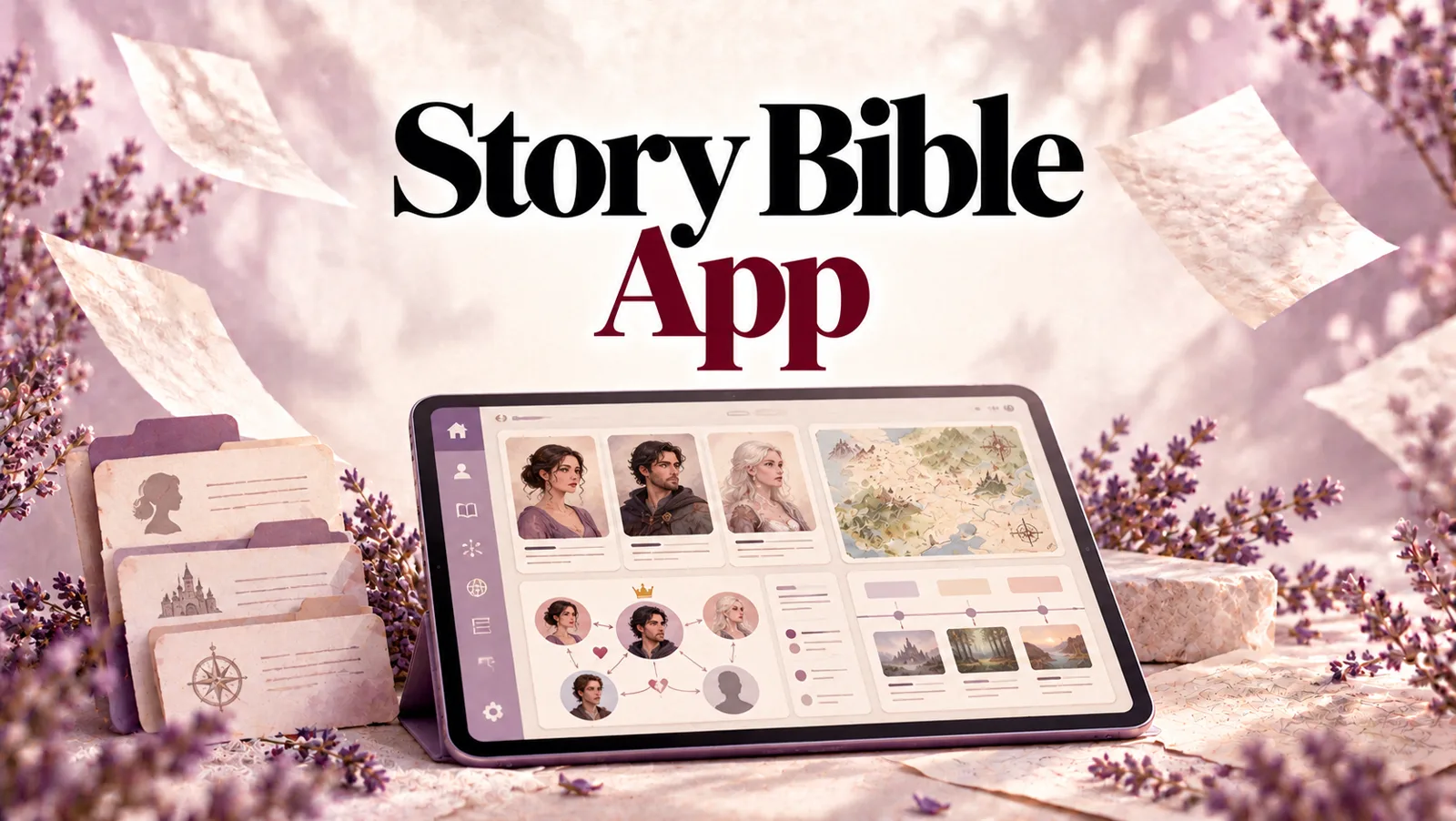
TL;DR: A story bible is the reference file for your book: characters, relationships, places, world rules, timeline and themes, all in one place. A story bible app should make it easy to build and, more importantly, easy to keep accurate. Most story bibles fail the same way: you fill them in enthusiastically before chapter one, the draft moves on, and by chapter ten the bible describes a book you are no longer writing. This guide explains what a story bible should hold, how the main types of story bible app compare, and why StoryWith AI takes a different approach. It builds your story bible from the manuscript you have already written: cast, relationships, world, timeline and themes. It keeps the bible in sync as you revise, and then uses it to catch continuity errors across the whole book. Free plan with unlimited books, paid from $19/mo.
Disclosure: StoryWith AI is our own product. We have tried to be fair to the other options and clear about when they are the better fit.
What is a story bible?
A story bible (also called a series bible, a world bible or a character bible) is a single reference document that holds every fact your story depends on. TV writers' rooms use them so twenty writers can keep one show consistent. Novelists use them for the same reason: by the middle of a long book, or the third book in a series, there are more facts than anyone can hold in their head.
A good story bible answers questions like:
- What colour are her eyes, and did I already say?
- How old was he when his father died, and what year is it now?
- Who knows the secret at this point in the book?
- What does magic cost in this world, and have I broken that rule?
- What is this book actually about?
If you have ever stopped mid-scene to scroll back forty pages to check a detail, you needed a story bible.
What a story bible should include
Whatever app you use, a complete story bible covers six areas.
1. Characters
For each character: name and any aliases or nicknames, role in the story, age, appearance, voice, goals, fears, secrets, backstory, and their arc (what they want versus what they need). Minor characters need less, but they need a line: a minor character who changes name between chapters is still a continuity error.
2. Relationships
Who is allied with whom, who are rivals, mentors, family, friends, lovers and enemies, and how those relationships change. A relationship map is often more useful than individual profiles, because plot lives in the connections between people.
3. World
Places, factions, important objects, and the rules of your world. In fantasy that means magic systems, cultures, religions and languages. In science fiction, technology. In historical fiction, the events and customs of the period. Even a contemporary novel has a world: the town, the workplace, the family house.
4. Timeline
What happens when, in story order. This is where many continuity problems hide: two Tuesdays in one week, a pregnancy that lasts eleven months, a character who appears in two cities on the same day.
5. Themes and motifs
What the book is about, and the images and ideas that recur. This is the part writers most often skip, and it is the part that matters most in revision.
6. Style rules
Spelling choices, invented words, how you format texts or letters, point of view and tense. Small things, but readers notice when they change.
Why most story bibles go stale
Every writer who has kept a story bible knows the pattern.
You build it before you write. Planning is fun, so you fill in forty character profiles and a map before chapter one.
The draft changes. Characters reveal themselves on the page. A minor character becomes major. A planned subplot dies. You rename the villain.
The bible does not. Updating a separate document is tedious, so you stop. By chapter ten, the bible describes the book you planned, not the book you wrote.
You stop trusting it. Once the bible is out of date, checking it is pointless, so you go back to scrolling through the manuscript. The bible becomes a planning artefact instead of a working tool.
The underlying problem is that in almost every story bible app, the bible and the manuscript are two separate things that you have to keep in sync by hand. And the manuscript always wins.
There is a second problem: discovery writers. If you write your way into the story rather than planning it first, a blank story bible template is the wrong tool entirely. You do not know the facts until you have written them.
Types of story bible app
Story bible apps fall into roughly four groups. Each is genuinely good at something.
Documents, spreadsheets and templates
A Word document, a Google Doc or a spreadsheet using a free story bible template. Free, flexible and familiar.
Good for: writers who like full control and short projects. Misses: everything is manual, nothing links to your manuscript, and it goes stale fastest.
Note and wiki apps
General note-taking and personal wiki tools, where each character or place is a page linked to others.
Good for: big worldbuilding projects and writers who love building systems. Misses: still entirely separate from the manuscript, and easy to spend more time building the wiki than writing the book.
Worldbuilding and planning apps
Dedicated worldbuilding and outlining tools with character sheets, maps, timelines and templates.
Good for: plotters and fantasy or science fiction writers planning large worlds before drafting. Misses: you fill everything in by hand, and most do not read your manuscript, so the bible and the book drift apart.
Writing apps with a built-in bible
Some writing apps include a story bible alongside the editor, and some AI writing tools use a story bible mainly as context for generating prose.
Good for: keeping notes next to the draft. Misses: in most of them you still fill in the bible yourself. When the bible exists mainly to feed a text generator, it is built for the AI to write from, not for you to check your book against.
The pattern: almost every story bible app asks you to write the bible. Very few read the book to build it, and fewer still use it to check the book for errors.
What to look for in a story bible app
Before you commit years of notes to any story bible app, check these:
- Does it read your manuscript, or do you type every fact in by hand?
- Does it stay in sync when you revise, rename or cut?
- Does it link facts to scenes, so you can see where a character appears or where a detail was established?
- Does it show relationships visually, not just as a list?
- Does it fit your genre, with magic and cultures for fantasy, or technology for science fiction?
- Does it work for discovery writers as well as plotters?
- Does it use the bible to check your book for continuity errors?
- Can you import an existing draft from Word or PDF?
- Is it private, and can you invite co-authors or an editor?
How StoryWith AI works as a story bible app
StoryWith AI is a manuscript-aware story studio, and its story bible is built the other way round from most. Instead of asking you to fill in a bible and then write the book, it reads the book and builds the bible from it.
1. It builds your story bible from your manuscript
Import your draft as .docx, PDF or plain text. StoryWith AI reads it and rebuilds what is already there: chapters and scenes, the cast, the relationships between them, the places and objects in your world, the timeline, and the promises your story makes to its reader.
For a discovery writer, this changes everything. You write first, and the bible appears from the text. For a plotter, it means the bible shows you what actually made it onto the page, which is not always what you planned.
2. Detailed character profiles, drawn from the text
For each character StoryWith AI proposes a profile from what the manuscript says: role (protagonist, antagonist, deuteragonist, supporting, minor or ensemble), description, age, pronouns, occupation, physical details, voice, goals, fears, secrets, backstory, and their arc as what they want versus what they need. It also records aliases, such as nicknames, surnames on their own or titles, so "Lizzie", "Miss Bennet" and "Elizabeth" are understood as one person.
Each character shows where they appear in the manuscript, and you can edit any field. You can also add characters by hand that you are planning but have not written yet.
3. A relationship map
StoryWith AI maps how your characters connect: allies, rivals, antagonists, mentors, family, romance and friends. You see the cast as a graph, not just a list. Click any character in the map to open their profile.
4. A world bible that fits your genre
Places, factions, items, world rules and concepts are the base categories. StoryWith AI adds categories that fit your genre: magic, religion, culture and language for fantasy; technology for science fiction; events, culture and religion for historical fiction. Each entry shows how often it is mentioned in the manuscript.
5. A timeline and themes
The timeline lays out your story's events in order, so you can see when things happen relative to each other. Theme and motif analysis shows what your book is actually about and where key ideas recur, which is often different from what you set out to write.
6. It stays in sync as you revise
This is the fix for the stale-bible problem. When the draft changes, run sync with manuscript and StoryWith AI proposes updates: new characters, new relationships, changes to what the text now says. You review each proposal and accept or reject it, so the bible is never overwritten without your say.
Renaming a character is handled across the manuscript from the character's page, so you do not have to find-and-replace every nickname yourself.
7. It uses the bible to catch continuity errors
A story bible is only half the job. The other half is checking the book against it. StoryWith AI's continuity checker uses what it knows about your characters, world and timeline to find contradictions across the whole manuscript: eye colours that change, characters who know things they were never told, injuries that heal too fast, timeline clashes. Every finding is tied to the exact scene, and it feeds a ranked list of what to fix first.
That is the difference between a story bible you look things up in and a story bible that looks things up for you.
8. It is part of a full studio
The story bible sits alongside everything else in StoryWith AI: a distraction-free editor, structure and pacing analysis, character-arc and scene-purpose analysis, AI reader personas, private beta-reader links, a readiness check and a pitch kit for querying. The bible feeds all of it.
9. It works for non-fiction too
For non-fiction, the story bible becomes a research bible: subjects, domain concepts, an argument map and sources, with fact-checking against those sources and bibliography export.
10. It is private, collaborative and never writes your book
Your manuscript and bible are private to your account and the people you invite: co-authors, editors or beta readers. StoryWith AI reads your book to build the bible and to give feedback. Its analysis never rewrites your chapters. The words stay yours.
Story bible apps compared
| Docs and templates | Note and wiki apps | Worldbuilding apps | AI writing apps with a bible | StoryWith AI | |
|---|---|---|---|---|---|
| Builds the bible from your manuscript | No | No | No | Rarely | Yes |
| Stays in sync when you revise | Manual | Manual | Manual | Mostly manual | Sync with manuscript, you approve |
| Character profiles | You write them | You write them | Templates | Usually | Proposed from the text, editable |
| Relationship map | No | Links | Often | Sometimes | Yes |
| Genre-aware world categories | No | You build them | Often | Sometimes | Yes |
| Shows where things appear in the book | No | No | Rarely | Rarely | Yes |
| Checks the book for continuity errors | No | No | No | Rarely | Yes, tied to scenes |
| Works for discovery writers | Poorly | Poorly | Poorly | Partly | Yes, write first |
| Rewrites your prose | No | No | No | Usually the main feature | Never |
| Cost | Free | Free to paid | Usually paid | Paid | Free plan; from $19/mo |
The honest read: if you love building worlds before you write, a dedicated worldbuilding app is a joy, and a template is perfectly fine for a short book. But if you want a story bible that stays accurate through revision, works whether you plot or not, and actually checks your book for errors, StoryWith AI is the best story bible app for a novelist. It is the only option in the table that reads your manuscript to build the bible and then uses the bible to check the manuscript.
How to build a story bible with StoryWith AI
- Write, or import what you have. A full draft gives the richest bible, but a partial draft works too.
- Sync your cast. Review the proposed characters and relationships and accept what is right.
- Fill the gaps. Add the characters, places and rules you have planned but not written yet.
- Review the world entries and add genre categories you need.
- Check the timeline for events that are out of order.
- Run the continuity checker and fix the contradictions it finds, starting with the most serious.
- Sync again after each revision, so the bible always describes the book you have now.
Frequently Asked Questions (FAQ)
What is a story bible app?
An app that holds your story's reference facts: characters, relationships, world, timeline and themes. The best ones also link those facts to your manuscript and keep them accurate as you revise.
What is the best story bible app?
It depends on how you work. For a bible that is built from your manuscript, stays in sync and checks your book for continuity errors, StoryWith AI is the strongest choice. For elaborate worldbuilding before drafting, a dedicated worldbuilding app is a good fit.
Is there a free story bible app?
Yes. StoryWith AI's free plan includes unlimited books, Word and PDF import and a monthly allowance of AI actions, with no card required. A document or spreadsheet with a story bible template is also free, but it is all manual.
Can AI build a story bible for me?
Yes. StoryWith AI reads your manuscript and proposes your cast, relationships, world entries and timeline from the text. You review and edit everything.
I am a discovery writer. Do I need a story bible?
You need one more than most, because you are inventing facts as you go. With StoryWith AI you write first and the bible is built from the text, so you never have to fill in a template before you know your story.
What is the difference between a story bible and a series bible?
A series bible is a story bible that spans several books. The longer the series, the more you need a bible that stays accurate and checks for contradictions.
Will StoryWith AI write my book from the story bible?
No. It uses the bible to understand your book and check it for errors. It does not generate your chapters from it.
The one thing to take away
A story bible is only useful if you can trust it, and you can only trust it if it matches the book you have actually written. Most story bible apps make you keep the two in sync by hand, which is why most story bibles go stale.
StoryWith AI reads your manuscript, builds the bible from it, keeps it in sync as you revise, and uses it to catch continuity errors across the whole book. You write. The bible keeps up.
Build your story bible from your manuscript, free, at storywith.ai. Unlimited books, import from Word or PDF, no card required.
Related reading: Continuity Checker · Plot Hole Finder · Story Analyzer · Plottr Alternative