Feedback & Revision
Software for Book Editors: The Tools Every Editor Needs, Job by Job (2026)

Romance novelist writing cozy, small-town love stories from a bookshop café in Asheville.
TL;DR: There is no single piece of software for book editors that does everything. Editors do four different jobs (developmental editing, line editing, copyediting and proofreading) and each job needs a different kind of tool. Word with Track Changes is still the standard for the sentence-level work. Where most editors are under-equipped is the big-picture work: holding a 90,000-word manuscript in your head, tracking every character and fact, and turning it into a clear editorial letter. That is the job StoryWith AI was built for: it reads the whole manuscript, scores every scene, flags continuity and consistency problems with evidence, lets you comment in place alongside the author, and never rewrites the author's prose. Free plan, paid from $19/mo, Pro (built for "full-time authors and editors") at $39/mo.
Disclosure: StoryWith AI is our own product. We have tried to be fair to the other tools and clear about where they are the better choice.
Why "software for book editors" is a harder search than it looks
Search for book editing software and you mostly find tools for writers: grammar checkers, drafting apps, AI that generates text. An editor's needs are different:
- You work on someone else's book, so you must never quietly change their voice.
- You have to explain every change, not just make it.
- You work on many manuscripts at once, on deadlines, often for clients who use different software.
- You are paid for judgement. Software should speed up the reading and the record-keeping so you can spend your hours on the judgement.
So the right question is not "what is the best editing software?" It is "what software helps with this kind of edit?"
The four kinds of book editing, and the software for each
| Type of edit | What the editor is doing | What software has to do | Typical tools |
|---|---|---|---|
| Developmental (structural) edit | Judging the whole book: structure, pacing, character arcs, plot logic, theme | Hold the whole manuscript at once, map it, surface patterns and problems across chapters | StoryWith AI, Fictionary, spreadsheets and index cards |
| Line edit | Improving prose paragraph by paragraph: rhythm, clarity, voice, dialogue | Show where prose drifts, repeats or flattens, without rewriting it | StoryWith AI (dialogue and style reports), ProWritingAid, Word |
| Copyedit | Grammar, usage, consistency of spelling, names and facts, house style, style sheet | Track every change, enforce a style sheet, catch inconsistencies | Word + Track Changes, PerfectIt, a style-sheet template |
| Proofread | Final typos and layout errors on the formatted pages | Mark up the final PDF or proofs | PDF annotation tools, Word |
Most editors already own good copyediting and proofreading tools. Word's Track Changes is the industry standard, and consistency checkers such as PerfectIt are well loved for a reason. The gap is almost always at the top of the table: developmental and manuscript-level work, where the tool most editors still use is a spreadsheet and a lot of memory.
What to look for in software for book editors
Before you pay for anything, check it against this list.
- It reads the whole manuscript. Structural problems (a sagging middle, an arc that never completes, a setup with no payoff) only show up across the whole book. A tool that sees one chapter at a time cannot find them.
- It shows evidence. Every flag should point to a scene, a line or a passage you can check. You cannot put "the AI thinks the pacing is off" into an editorial letter.
- It does not rewrite the author. Your job is to protect the author's voice. A tool that "polishes" chapters into generic AI prose makes your job harder, and may cause problems with AI-disclosure rules for agents and publishing platforms.
- It keeps a record of the book. Characters, ages, eye colours, place names, timelines and rules of the world. Copyeditors build this as a style sheet by hand; good software builds and checks it for you.
- It works with the author, not around them. Comments anchored to the exact passage, threaded replies, a way to mark things resolved, and roles so the author stays in control of their own book.
- It imports and exports Word. Clients will send you .docx files and expect .docx back.
- It keeps versions. You need to see what changed and get an earlier draft back.
- It is honest about what it is. AI analysis should support your judgement, not pretend to replace it.
The book editor's software stack in 2026
Here are the main options, grouped by job.
Microsoft Word with Track Changes: still the standard for copyediting
Almost every publisher and most authors expect a copyedit delivered as a Word file with Track Changes and comments. Nothing on this list replaces that, and nothing should. Its weakness is at the manuscript level: Word shows you one page at a time and remembers nothing about the story.
PerfectIt: the consistency checker
A Word add-in that checks a document for inconsistent hyphenation, capitalisation, spelling variants, abbreviations and house-style rules. For copyeditors it is one of the best time-savers available. It checks text consistency, not story consistency: it will catch "grey" vs "gray", not a character whose eyes change colour in chapter 19.
ProWritingAid and Grammarly: sentence-level reports
Good for a quick scan of grammar, overused words, sticky sentences and readability. Useful as a second pass for line editors. They work on the text in front of them, so they do not understand plot, character or structure.
Google Docs: easy collaboration
Free, simple and familiar to most authors, with suggestion mode and comments. Fine for short pieces; harder on a full-length manuscript, and it has no understanding of the book as a story.
Fictionary: developmental editing with story data
A story-editing tool that maps a manuscript against story-structure elements scene by scene, and markets itself to editors as well as writers. A real option for developmental editors who like working from structure templates.
StoryWith AI: manuscript-aware analysis, comments and collaboration
A decision-support studio for books that reads the whole manuscript (fiction or non-fiction), diagnoses it scene by scene, keeps a living story bible, and lets editors and authors work in the same place with inline comments and roles. It does the analysis and leaves every writing decision to the author. More on it below.
Spreadsheets, index cards and project-management tools
Many developmental editors still build a scene-by-scene spreadsheet by hand: one row per scene, columns for POV, purpose, timeline and notes. It works, but on a 90,000-word novel it can take a full day before the real editing starts. Trello, Asana or a simple calendar handle the business side: deadlines, invoices and client queues.
Why book editors use StoryWith AI
StoryWith AI does not replace your Track Changes copyedit. It replaces the hours of reading, mapping and note-keeping that sit underneath a developmental or line edit, and it gives you evidence for every note you write. Here is what it does for an editor.
1. Import the client's manuscript in minutes
Paste the text or upload a .txt, .docx or .pdf. StoryWith AI splits it into chapters and scenes and extracts the characters and the arc, so you land on a structured book instead of a 300-page wall of text.
2. A scene-by-scene map, built for you
Every scene gets a purpose analysis: its primary and secondary job (plot, character, world, reveal, stakes, payoff, conflict, theme) and a strength score from 0 to 100. Scenes under 50 are flagged as weak. This is the spreadsheet you used to build by hand, done before your first coffee.
3. Continuity and plot holes, with the evidence
The continuity scan checks facts across the whole book: names, ages, timelines, objects, rules of the world. Problems come with the passages that contradict each other, so you can quote them straight into your letter (more in our guide to the continuity checker). The dependency scan finds setups with no payoff and payoffs with no setup: the plot holes readers notice first.
4. Line-level reports that do not rewrite
The dialogue report scores voice distinctiveness, pacing rhythm and subtext from 0 to 100, quotes up to five on-the-nose lines, and flags characters whose voices collide. The style-consistency check flags drift in point of view, tense, voice and tone, scene by scene. You get the diagnosis; the author makes the fix.
5. Themes and arcs, made visible
The theme analysis finds three to six specific themes and shows how strongly each one is present in every scene (0 to 100), with a subtext note and quoted evidence. Arc analysis shows whether each main character actually changes. These are the hardest things to argue in an editorial letter, and now you can point at the data.
6. A living story bible: the style sheet that writes itself
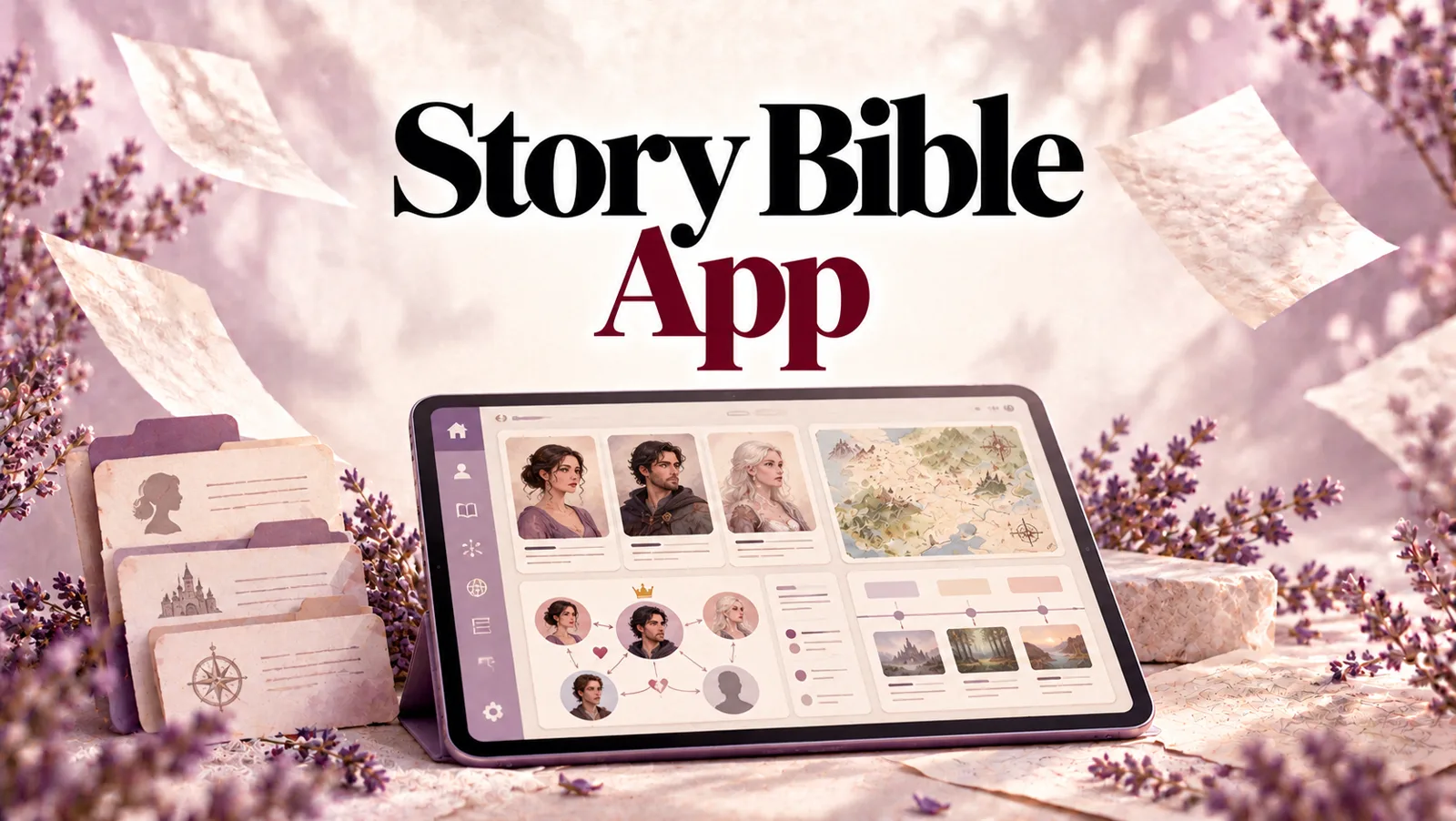
StoryWith AI builds a story bible from the manuscript: characters (role, age, pronouns, appearance, voice, goals, fears, secrets, backstory, want vs. need, aliases), relationships, and world entries such as places, factions, items and rules. "Sync with manuscript" proposes updates for review, and renaming a character runs across the whole book. For non-fiction it becomes a Research Bible. See how the story bible works.
7. Comment in place, with the author, in real time
Invite yourself into the author's book, or invite the author into yours, as an Editor, Commenter or Viewer. Comments are anchored to the exact passage, have threaded replies, and can be marked resolved; click one and the editor jumps to the text it refers to. You can leave a comment shared with the author or keep it as a private note for your own working process. Live presence shows who is reading or editing each scene. No more emailing draft_v7_FINAL_edits.docx back and forth.
8. Version history you can trust
Every scene keeps a version history. Restoring an earlier version saves the current text as a new version first, so nothing is ever lost, and if two people edit the same scene at once, neither version is overwritten.
9. Reader feedback sessions
Send a share link to beta readers and see where they slowed down or dropped off (drop-off hotspots), alongside their excerpts and answers. AI reader personas can also predict how a type of reader may react: engagement, clarity, emotional impact and whether they would keep reading. It turns "I think readers will lose interest here" into evidence (see AI feedback on a whole novel).
10. A readiness check and a ranked fix list
The readiness report runs six structural checks (length, premise, scene completeness, critical actions, high-priority actions and continuity), marks each pass, warn or fail, and gives a score. It costs no AI credits (how the readiness score works). Diagnostics then rank what to fix first, which is most of the skeleton of an editorial letter.
11. It never rewrites the author's book
StoryWith AI's analysis reports diagnose; they do not replace the author's prose with AI text. That matters for editors: your edit stays an edit, the voice stays the author's, and nothing in the manuscript is machine-written unless the author chooses to use the in-editor writing tools themselves.
12. Fiction and non-fiction
For non-fiction clients, StoryWith AI adds argument soundness and fact-check reports, plus a non-fiction proposal generator on Pro. One tool covers your novelists and your memoir, business and self-help authors.
13. Export back to Word
When the developmental pass is done, export the manuscript as .docx, PDF, Markdown or plain text, and run your copyedit in Word with Track Changes as usual.
What StoryWith AI does not do
So you can plan your stack honestly:
- It is not a Track Changes replacement. For a line-by-line copyedit that a publisher will accept, use Word.
- It is not a style-guide checker. For house-style hyphenation, capitalisation and spelling variants, PerfectIt is the better tool.
- It is not a proofreading tool for formatted page proofs.
- It does not replace your judgement. It tells you where to look and shows you why. What to say to the author, and how, is still your job.
Software for book editors compared
| Whole-manuscript analysis | Story continuity | Inline comments with author | Track Changes copyedit | House-style checks | Never rewrites | |
|---|---|---|---|---|---|---|
| StoryWith AI | Yes | Yes, with evidence | Yes, anchored, threaded, roles | No (export .docx) | No | Yes |
| Microsoft Word | No | No | Yes | Yes, the standard | Basic | Yes |
| PerfectIt | Text only | No | No | Works inside Word | Yes, the best | Yes |
| ProWritingAid / Grammarly | Sentence-level | No | No | No | Partial | Suggests rewrites |
| Google Docs | No | No | Yes | Suggestion mode | No | Yes |
| Fictionary | Yes | Partial | Limited | No | No | Yes |
The best stack for most freelance book editors in 2026: StoryWith AI for the developmental and line-level reading, Word + PerfectIt for the copyedit.
A developmental edit with StoryWith AI, step by step
- Get the manuscript in. Upload the client's .docx, or have the author invite you to their book as an Editor or Commenter.
- Run the readiness check. Six checks, no credits, a five-minute view of the biggest structural gaps.
- Read the scene map. Sort by purpose strength and start with the weakest scenes.
- Run continuity and dependency scans. Collect contradictions and missing payoffs, with quotes.
- Run the dialogue, style-consistency and theme reports on the chapters that need line-level attention.
- Read the book yourself, commenting in place. Shared comments for the author, private notes for you.
- Write the editorial letter from the ranked fix list and your own read, quoting the evidence.
- Hand it back. The author revises in StoryWith AI, resolves your comments one by one, and version history keeps every draft. Export to .docx when it is time for the copyedit.
Pricing for editors
- If your client already uses StoryWith AI, they can invite you to their book. Collaboration needs the book owner to be on the Author plan or above; invitees can join with any membership, including Free.
- Free: unlimited books, manuscript import, basic continuity and coverage scans, 20 one-time AI text actions. Good for trying it on one manuscript.
- Author, $19/mo: 500 AI text actions a month, full continuity, coverage and dependency scans, up to 2 collaborators per book, 3 reader feedback sessions a month.
- Pro, $39/mo: "for full-time authors and editors". Unlimited AI text actions, priority models with larger context, up to 5 collaborators per book, unlimited reader feedback sessions, pitch kit and non-fiction proposal generator.
- Studio, $79/mo: for agencies, editing studios and small presses. Everything in Pro for every member, unlimited members at a flat rate, a shared organization library, roles (owner, admin, editor, commenter, viewer) and pooled AI quotas.
For most working freelance editors, Pro is the right plan. For an editing agency or small press, Studio is cheaper than separate Pro plans from three people up ($79 flat vs. $117 for three Pro plans).
Frequently Asked Questions (FAQ)
What software do professional book editors use?
Most use Microsoft Word with Track Changes for copyediting, often with a consistency checker such as PerfectIt. For developmental editing, many still use spreadsheets and notes; more are now adding manuscript-aware tools such as StoryWith AI to map the book, check continuity and gather evidence for the editorial letter.
Is there one software that does every kind of book editing?
No. Developmental, line, copy and proof editing are different jobs. The most efficient setup is one tool for whole-manuscript analysis and collaboration (StoryWith AI) and one for tracked sentence-level changes (Word).
Can AI replace a book editor?
No. AI is good at reading fast, keeping track of details and finding patterns across a whole book. It is not good at deciding what a book should be, or at telling an author hard news in a way they can use. The best use of AI for editors is to cut the reading and record-keeping time so more of the fee goes to judgement.
Will using AI change my client's writing?
Not with StoryWith AI's analysis tools: they diagnose and leave the prose alone. Be careful with tools that "improve" or "polish" text automatically; that is rewriting, and it can change the author's voice.
Can I use StoryWith AI for non-fiction editing?
Yes. It handles memoir, business, self-help and other non-fiction, with argument-soundness and fact-check reports and a Research Bible in place of the story bible.
Can my client and I work on the same manuscript at once?
Yes. Live presence shows who is in each scene, comments update in real time, and version history protects both of you if you edit the same scene at the same moment.
How do I get the edited manuscript back into Word?
Export it as .docx (or PDF, Markdown or plain text) from the export menu.
The one thing to take away
The best software for book editors is a stack, not a single app. Keep Word and Track Changes for the copyedit. Add a tool that reads the whole book for the work Word was never built for: structure, continuity, character, theme and the evidence behind every note. That is the job StoryWith AI does, without ever rewriting your author's book.
Try it on your next manuscript at storywith.ai. Import a .docx, run the free readiness check, and see the scene map before you write a single note.