Writing with AI
App for Non-Fiction Writers: What Your Book Actually Needs From Your Software (2026)
Freelance developmental editor who has shepherded 200+ manuscripts from messy draft to publishable, and writes about revision like the craft it is.
Non-fiction writers rarely run out of material. They run out of order.
The interviews are in one folder. The highlighted PDFs are in another. There's a spreadsheet of statistics, a notes app full of half-ideas, three versions of the outline and a Word file that has grown to 70,000 words without anyone checking whether chapter nine still agrees with chapter two.
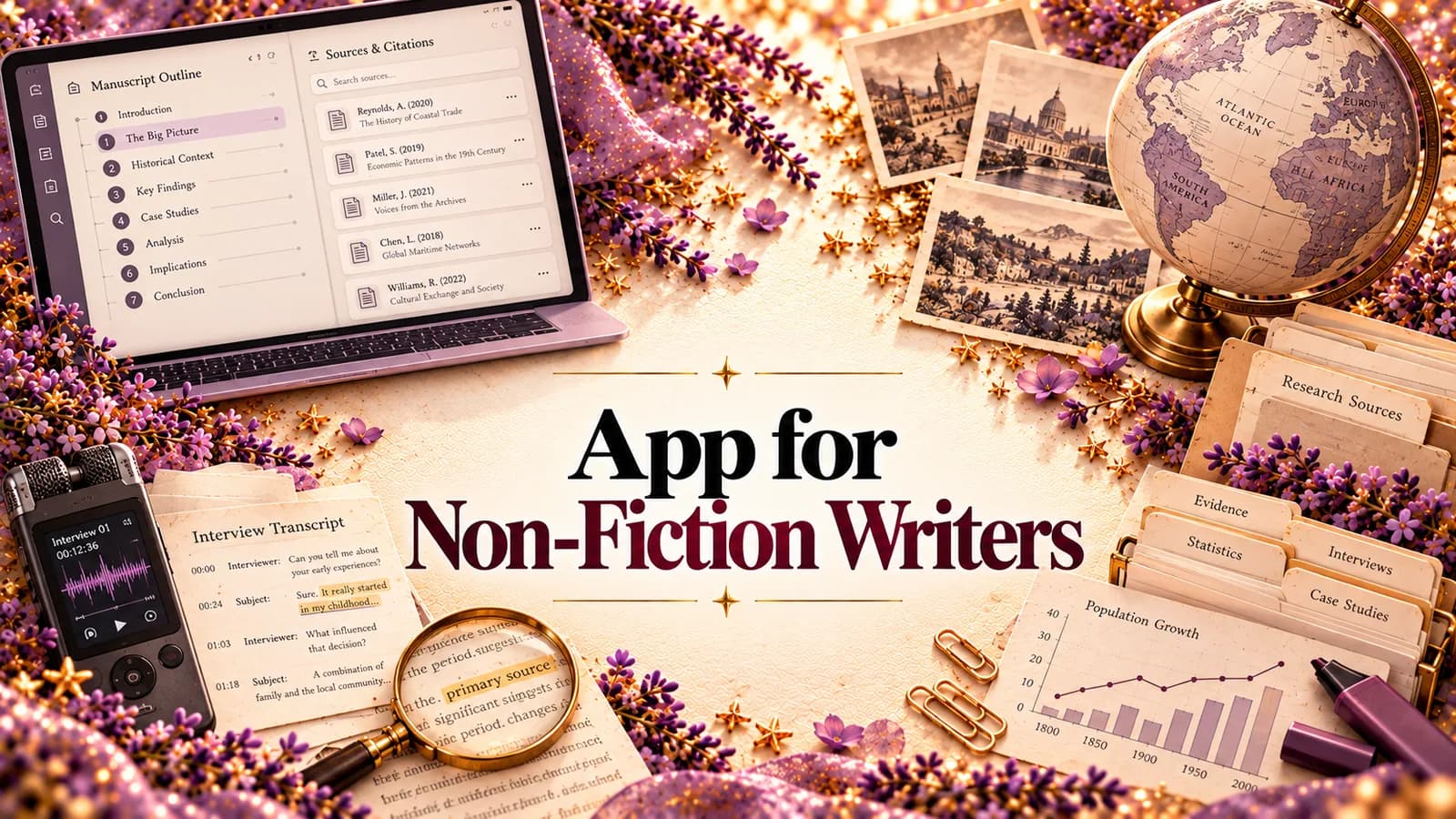
That's the real job of an app for non-fiction writers. Not giving you somewhere to type. Most apps already do that. The job is helping you turn a pile of research into one clear argument that a reader can follow from the first page to the last, with every claim backed up and every idea introduced before you lean on it.
This guide breaks down what a non-fiction book needs, stage by stage, compares the popular options honestly, and explains why we built StoryWith AI to cover the whole process.
What makes non-fiction different
Fiction has to stay consistent (we cover that side in the app for fiction writers). Non-fiction has to stay true, and it has to persuade. That creates its own set of problems:
- Claims need evidence. Every statistic, quote and "studies show" has to point somewhere, and a reviewer will notice the one that doesn't.
- Ideas build on each other. If chapter six relies on a concept you only explain in chapter eight, the reader is lost and doesn't know why.
- The argument has to hold. A book can be full of interesting chapters and still not make one case.
- Chapters can quietly repeat. Around the middle of a draft, a chapter often restates an earlier one in new words instead of moving the reader forward.
- Traditional publishing usually starts with a proposal. You may need to sell the book before it's finished.
A good app for non-fiction writers should help with every one of these. Most only help you store things. (For a closer look at how the two kinds of book differ, see fiction vs non-fiction.)
The five stages of a non-fiction book, and what an app should do at each
| Stage | What you're doing | What the app should give you |
|---|---|---|
| 1. Research | Collecting sources, interviews, notes and ideas | One place for sources and ideas, with search and tags |
| 2. Structure | Deciding the argument and the chapter order | An outline you can rearrange, and a reference bible for key terms, people and concepts |
| 3. Drafting | Writing chapters | A calm editor that autosaves, with your research one click away |
| 4. Revision | Checking the argument, the evidence and the flow | Fact checks, argument checks, dependency scans, readability |
| 5. Finishing | Readers, proposal, export | Beta-reader tools, a book proposal, clean Word/PDF export |
Most non-fiction writers stitch these stages together from four or five tools: a reference manager, a notes app, a word processor, a spreadsheet and their email inbox. It works until the draft gets long. Then nobody, including the author, can hold the whole book in their head at once.
How the popular apps compare
Every app below is useful for something. The question is which stages it covers. Disclosure: StoryWith AI is our own product, so weigh our view accordingly.
| App | Best at | Research | Structure | Drafting | Revision | Finishing |
|---|---|---|---|---|---|---|
| Word / Google Docs | Familiar, universal files | – | Headings only | ✔ | Spelling and grammar | ✔ Export |
| Scrivener | Binder for long manuscripts and research files | ✔ | ✔ | ✔ | – | ✔ Compile |
| Zotero | Collecting and citing sources | ✔ | – | – | – | Citations |
| Notion / Obsidian | Flexible notes and linked ideas | ✔ | Partial | Partial | – | – |
| Ulysses | Clean, focused writing on Mac | – | Partial | ✔ | – | ✔ Export |
| Grammarly / ProWritingAid | Sentence-level grammar and style | – | – | – | Line level | – |
| StoryWith AI | The whole book in one connected studio | ✔ | ✔ | ✔ | ✔ Argument and evidence | ✔ Proposal |
A few honest notes. If you need formal citations in a specific style, keep Zotero. Nothing replaces a real reference manager for an academic book. If you love building a web of linked notes, Obsidian is excellent at that. Grammarly and ProWritingAid are good at sentences. But almost none of these look at the book as a whole: whether the argument holds, whether the evidence is there, whether chapter eleven still matters. That's the gap StoryWith was built to fill. (If you specifically want AI help, we compared the options in the best AI writing tools for non-fiction.)
Why we'd pick StoryWith AI as an app for non-fiction writers
StoryWith AI is a writing studio for authors. It supports fiction and non-fiction, and non-fiction gets its own tools rather than a fiction app with the labels changed. Your manuscript, research, outline and feedback live in one book, and the pieces know about each other.
Research: sources and the Ideas vault
Each non-fiction book has a place for its sources, kept next to the manuscript instead of in a separate app. Loose thoughts go into the Ideas vault. Type them, or record a voice note after an interview and have it transcribed, word for word or cleaned up into a paragraph. Press Organize and each idea gets a title, a summary and tags. When you start a book, link the ideas that belong to it and the planning tools use them, so research questions and evidence gaps show up early.
Structure: a Research Bible and a map of the book
In a non-fiction book, StoryWith's bible becomes a Research Bible: the people, organizations, places, concepts and key terms your book depends on, in one reference you can check in seconds. Rename a term and the change can carry through the manuscript.
The book's structure is visible at a glance. Chapters and sections are cards you can drag into a new order, and planning helps you shape chapter ideas, research questions and the gaps in your evidence before you write.
Drafting: a calm editor, with your research nearby
The manuscript is organized into chapters and sections in a distraction-free editor that autosaves as you type. Planning notes stay out of the exported book. Every section keeps a version history, so you can try a bold restructure and restore the old version if it doesn't work. Already have a draft? Import it as .docx, .txt or .pdf and it's analyzed within minutes.
Revision: argument, evidence and flow
This is where most non-fiction apps say nothing, and where StoryWith does the most. Its non-fiction analyzers read the whole manuscript, not one paragraph at a time:
- Fact check. Flags claims that need a source, and claims that contradict something you said elsewhere in the book.
- Argument soundness. Checks whether the book makes one clear case and whether the logic holds from chapter to chapter.
- Dependency scan. Finds chapters that rely on ideas you haven't introduced yet, which is the reason readers say "I got lost around chapter six".
- Chapter progression. Shows whether each chapter moves the reader forward or just restates an earlier one.
- Evidence gaps. Points to the places where your support thins out.
- Readability. Flags heavy sections, very long sentences and dense paragraphs, so a complex idea stays easy to follow.
- Quality panel. Passive voice, hedge words, very long sentences and monotonous rhythm. It runs locally and spends no AI credits.
- Readiness check. Structural checks with a pass, warn or fail on each, and no AI credits used.
Every finding links to the exact section. All of it lands in one Actions list, sorted by severity, confidence and effort (quick, medium or deep). You can pin, defer or resolve as you go. Instead of a dozen reports, you get one plan.
One more thing worth saying clearly: the analyses don't rewrite your book. They show you where to look, and you decide what to change in your own voice. That matters in non-fiction, where your expertise is the product.
Finishing: readers, the proposal and export
- AI reader personas. Run a chapter or the whole book past a panel of simulated readers, such as a sceptical expert, a complete beginner or a busy professional. Each one tells you where they lost interest or got confused. For non-fiction, that answers the question every proposal has to answer: who is this book really for?
- Feedback sessions. Send real beta readers a private link (3 to 20 of them, no sign-up needed), ask your own questions, and see where they stopped reading, paragraph by paragraph.
- AI vs readers. Compare what the personas predicted with what real readers said, so you learn how far to trust the fast signal.
- Book proposal. For non-fiction, the Pitch Kit builds the standard submission package from your own manuscript: a 200 to 300 word overview, a market analysis, comp titles with year and publisher, a chapter-by-chapter outline, suggested sample chapters and an author-platform section.
- Export. Word, PDF, Markdown or plain text, with chapters as real headings.
What StoryWith doesn't do
Fair is fair. It isn't a reference manager, so it won't format your footnotes in Chicago or APA. Keep Zotero for that. There's no track changes, so if your editor works only in Word redlines, you'll export for that round. It won't verify a fact against the outside world for you. It flags what needs a source, and you supply it. And the AI analyses use credits, while writing, organizing, the Research Bible, the readiness check and the Quality panel don't.
How to choose your non-fiction writing app: a 5-question test
Before you commit to any app, ask:
- Where does my research live, and can I find a source in seconds while I write?
- Can I see and rearrange the whole structure, not just scroll through one long document?
- Will anything tell me if my argument is weak or a chapter just repeats an earlier one?
- Will anything flag claims without support or ideas I use before I explain them?
- Can it help me sell the book? A proposal, reader feedback, clean export.
If an app passes all five, it's a home for your book. If it passes one or two, it's a tool you'll be juggling with others.
Questions non-fiction writers ask
What's the best app for non-fiction writers? It depends on where you struggle. For citations, a reference manager. For notes, Obsidian or Notion. For turning research into a book that holds together, you need something that reads the whole manuscript. That's what StoryWith is built for.
Is StoryWith good for memoir? Yes. Memoir has the same problems as other non-fiction: chapters that repeat, a through-line that wanders, and timeline facts that drift. The dependency scan, chapter progression and reader personas all help. For the craft side, see our guide on how to write a memoir.
What about business books and how-to guides? They're a natural fit. Argument soundness and the dependency scan catch the two most common problems in business books: a thesis that gets lost and concepts used before they're explained.
Do I need a proposal or a finished manuscript? For traditional non-fiction publishing, usually a proposal and sample chapters first. StoryWith's proposal builder works from whatever chapters you have, so you can start before the book is finished.
Will an AI app make my book sound generic? Only if it writes the book for you. StoryWith's analyses diagnose problems. You write the fixes, so the voice and the expertise stay yours.
What does it cost? There's a free plan. Author is $19 a month. Pro is $39, for full-time authors and editors, and includes the non-fiction proposal generator. Studio is $79 for teams. Check storywith.ai for current pricing.
The short version
Non-fiction writers don't need another place to store notes. They need help turning research into an argument that holds, with every claim supported and every idea in the right order. Most apps cover research or writing. StoryWith AI covers research, structure, drafting, revision and the proposal, in one place.
Try StoryWith AI free at storywith.ai.