Writing with AI
App for Fiction Writers: What a Novel Actually Needs From Your Software (2026)

Romance novelist writing cozy, small-town love stories from a bookshop café in Asheville.
Ask ten novelists which app they write in and you'll get ten answers. Word. Google Docs. Scrivener. A notes app on the phone. A paper notebook and a laptop that only ever sees the clean copy.
Then ask a second question: where are your characters? The answers get messier. A spreadsheet. A Pinterest board. A document called "people" that hasn't been opened since chapter six. And the outline? The world rules? The note about the subplot you were going to fix?
That's the real problem with picking an app for fiction writers. A novel isn't one document. It's a manuscript plus a cast, a world, a timeline, a structure and a long list of promises you made to the reader on page twelve that have to be paid off on page three hundred. Most apps handle one of those well. Very few handle all of them, and almost none keep them talking to each other.
This guide breaks down what a fiction writer actually needs, stage by stage, compares the popular options honestly, and explains why we built StoryWith AI to cover the whole book.
What makes fiction different
Non-fiction has an outline and sources. Fiction has all of that and more moving parts:
- People who must stay consistent. Eye color, age, how they speak, what they know and when they learned it.
- A world with rules. If magic costs blood in chapter two, it can't be free in chapter twenty.
- Structure you can't see while you're inside it. Pacing, scene purpose and arcs only show up when you look at the whole book at once.
- Readers you can't ask until it's too late. Did the twist land? Did chapter three drag? You usually find out months later.
A good app for fiction writers should help with every one of these, not just give you a nice place to type.
The five stages of a novel, and what an app should do at each
| Stage | What you're doing | What the app should give you |
|---|---|---|
| 1. Ideas | Catching sparks before they vanish | Quick capture (typed or voice), search, tags |
| 2. Planning | Premise, characters, world, outline | A story bible and a structure you can rearrange |
| 3. Drafting | Getting words down | A calm editor that autosaves, with your notes one click away |
| 4. Revision | Finding what's broken and fixing it in order | Continuity checks, structural analysis, prioritized feedback |
| 5. Finishing | Readers, export, pitching | Beta-reader tools, clean Word/PDF export, query and blurb help |
Most fiction writers stitch these together from four or five tools. That works, until it doesn't: the character sheet goes stale, the outline stops matching the draft, and revision becomes a scavenger hunt.
How the popular apps compare
Every app below is good at something. The question is which stages it covers. Disclosure: StoryWith AI is our own product, so weigh our view accordingly.
| App | Best at | Ideas | Planning | Drafting | Revision | Finishing |
|---|---|---|---|---|---|---|
| Word / Google Docs | Familiar, universal files | – | – | ✔ | Spelling and grammar | ✔ Export |
| Scrivener | Binder for long manuscripts and research | Partial | ✔ | ✔ | – | ✔ Compile |
| Plottr | Visual timelines and plot boards | – | ✔ | – | – | – |
| Campfire | Worldbuilding and character modules | – | ✔ | Partial | – | – |
| Dabble | Simple, clean novel drafting | – | Partial | ✔ | – | Partial |
| Sudowrite | Generating AI prose and ideas | ✔ | Partial | AI drafting | Partial | – |
| StoryWith AI | The whole book in one connected studio | ✔ | ✔ | ✔ | ✔ Deep | ✔ |
A few honest notes. If you just want to type and nothing else, Word or Docs is fine. If you love a visual corkboard for plotting, Plottr is excellent at that one job. If you want an AI to write passages for you, that's what Sudowrite is built for, and StoryWith is not. Where most of these apps go quiet is revision, which is exactly the stage where most novels stall.
Why we'd pick StoryWith AI as an app for fiction writers
StoryWith AI is a writing studio for authors. It keeps your manuscript, your story bible, your outline and your feedback in one book, and the pieces know about each other. Here's what that means at each stage.
Ideas: the Ideas vault
Ideas that hit you on a walk go straight into the Ideas vault. Type them, or record a voice note and have it transcribed, either word for word or cleaned up into a sentence, a paragraph or a short scene. Press Organize and each idea gets a title, a summary and tags. When you start a book, link the ideas that belong to it and the planning tools use them.
Planning: a Story Bible that stays in sync
The Story Bible is built for fiction. Each character has fields for role, age, pronouns, occupation, physical description, voice, goals, fears, secrets, backstory, aliases and their arc, including what they want versus what they need. Relationships are typed: ally, rival, antagonist, mentor, family, romance, friend.
The world side covers places, factions, items, rules and concepts, plus genre kinds like magic systems, religions, cultures, languages, technology and historical events.
The part that matters most: Sync with manuscript proposes Story Bible updates after your draft changes, and you review each one. Rename a character and the change can carry through the whole book. Your character sheet stops going stale. (More on how it works in our Story Bible guide.)
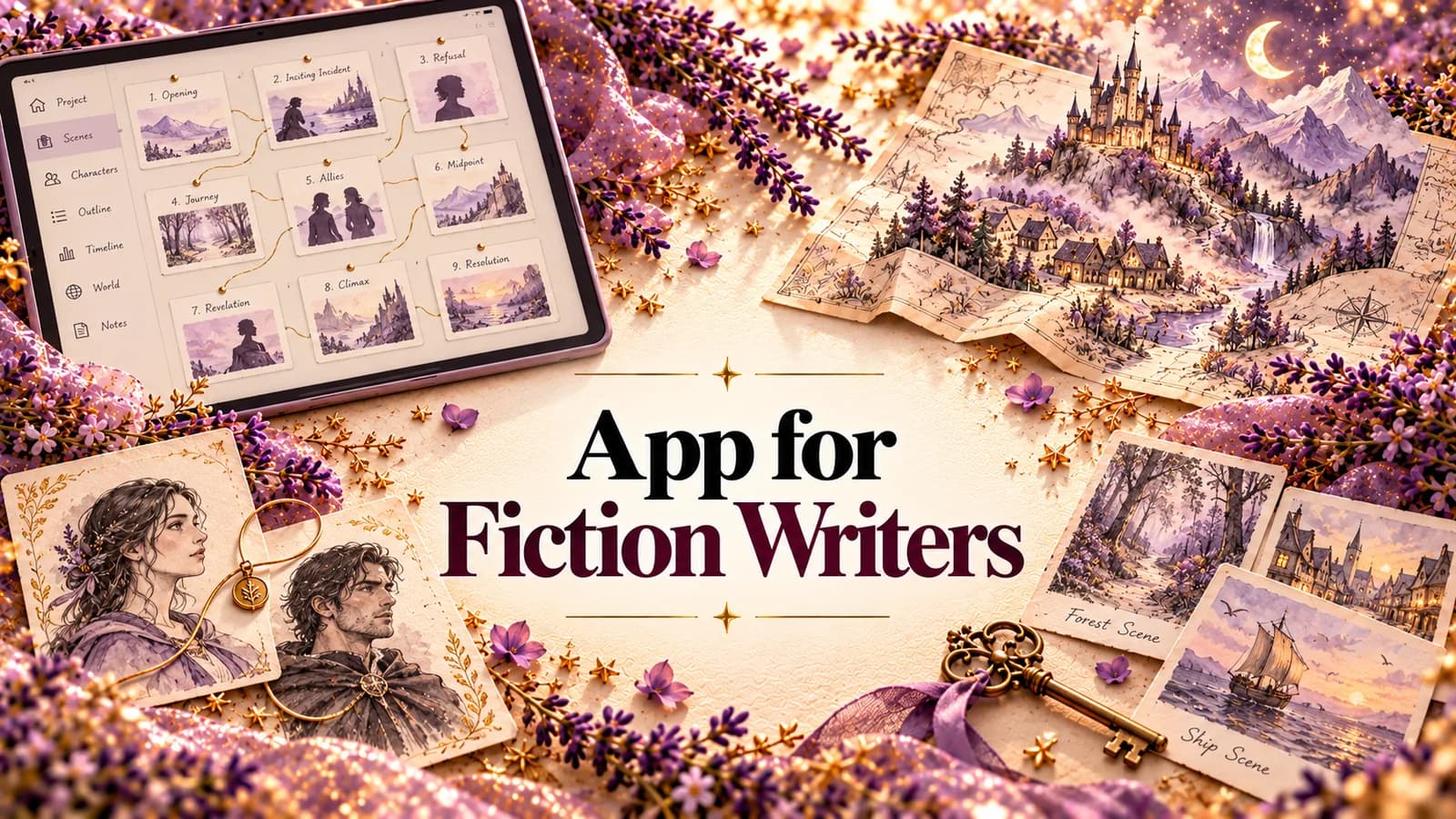
Planning also helps you shape the premise: logline, the protagonist's want, need and fear, the stakes, and title options. The Story Map shows every chapter and scene as a card you can drag into a new order.
Drafting: a calm editor, with everything one click away
The manuscript is organized into chapters and scenes in a distraction-free editor that autosaves as you type. Your planning notes stay out of the exported manuscript. Every scene keeps a version history, so you can try a bold cut and restore the old version if it doesn't work. You can bring an existing draft in by importing .docx, .txt or .pdf.
Revision: where StoryWith does the most
This is the stage most fiction apps skip, and the one we care about most. StoryWith reads your book the way an editor does, layer by layer:
- Continuity checker. Catches the eye color that changed, the character who knows something before they could, the timeline that doesn't add up. See how the continuity checker works.
- Scene purpose. Tags what each scene is doing (plot, character, world, reveal, stakes, payoff, conflict, theme) and scores how strongly it does it. Scenes under 50 are flagged as weak, so you know which ones to cut, merge or sharpen.
- Dialogue report. Scores voice distinctiveness, pacing and subtext, quotes up to five on-the-nose lines with more oblique alternatives, and flags characters who sound too alike.
- Themes. Finds the three to six real themes in your book and shows how present each one is, scene by scene.
- Arc and pacing analysis. Shows where tension rises and sags across the whole book.
- Style consistency. Flags drift in point of view, tense, voice and tone between scenes.
- Quality panel. Passive voice, hedge words, very long sentences and monotonous rhythm. It runs locally and spends no AI credits.
- Readiness check. Six structural checks (length, premise, scene completeness, critical issues, high-priority issues, continuity), each pass, warn or fail. Also free of credits.
All of it lands in one Actions list, sorted by severity, confidence and effort (quick, medium or deep). Click an item and you're in the scene. Pin, defer or resolve as you go. Instead of seventeen notes and no plan, you get an ordered to-do list.
One more thing worth saying clearly: the analyses don't rewrite your book. They show you where to look. You decide what to change, in your own words. The editor does have optional inline Rewrite and Continue tools if you want them, but the diagnostics never touch your prose.
Finishing: readers, export and the Pitch Kit
- AI reader personas. Run a scene, a chapter or the whole book past a panel of three to five simulated readers, such as a thriller fan, a line editor or a book-club reader. Each scores engagement, clarity and emotional impact, says whether they'd keep reading, and points to the most confusing and slowest sections.
- Feedback sessions. Send real beta readers a private link (3 to 20 of them), ask your own questions, test a Version B of a chapter, and see where readers dropped off, paragraph by paragraph.
- AI vs readers. Compare what the personas predicted with what real readers said, so you learn how far to trust the fast signal.
- Export. Word, PDF, Markdown or plain text, with chapters as real headings.
- Pitch Kit. Title ideas, logline, blurb, comps, a 250 to 350 word query letter and a ten-item submission checklist.
What StoryWith doesn't do
Fair is fair. There are no sprint timers or word-count streaks. There's no track changes, so if your editor works only in Word's redlines, you'll export for that round. It isn't built to generate your novel for you. And the AI analyses use credits, while writing, organizing, the Story Bible, the readiness check and the Quality panel don't.
How to choose your fiction writing app: a 5-question test
Before you commit to any app, ask:
- Where will my characters live, and will they stay in step with the draft? If the answer is "a separate spreadsheet", expect drift.
- Can I see the whole book at once? Scenes as cards, a map, a structure you can rearrange.
- What happens when I finish the first draft? If the app goes quiet at revision, you'll need something else for the hardest stage.
- How do I get reader feedback? Email threads, or one place with answers and drop-off points?
- Can I get my book out cleanly? Word and PDF export, and help with the query or blurb.
If an app passes all five, it's a home for your novel. If it passes one or two, it's a tool you'll be juggling with others.
Questions fiction writers ask
What's the best app for fiction writers who are just starting? One that keeps things simple while you draft but doesn't trap you later. Start with whatever lets you write today, then move your draft, characters and notes into one place before revision. StoryWith has a free plan, so you can import a draft and try it without paying.
Is Scrivener still a good app for fiction writers? Yes, for organizing a long manuscript and research. It doesn't analyze your story, check continuity or collect reader feedback, so many writers pair it with other tools for revision. We compare the two in detail in our Scrivener alternative guide.
Will an AI fiction writing app make my book sound like AI? Only if it writes the book for you. StoryWith's analyses are built to diagnose, not generate: they tell you where a scene is weak or a voice is flat, and you do the rewriting.
Does StoryWith work for series and big fantasy worlds? The Story Bible was built with that in mind: magic systems, religions, cultures, languages, factions and typed relationships, plus a continuity checker to catch contradictions across a long book.
Can I write non-fiction in it too? Yes. The same studio supports non-fiction, with the Story Bible becoming a Research Bible and tools for sources and argument checks. See our companion guide, the app for non-fiction writers.
What does it cost? There's a free plan. Author is $19 a month, Pro is $39 for full-time authors and editors, and Studio is $79 for teams. Check storywith.ai for current pricing.
The short version
The best app for fiction writers isn't the one with the prettiest editor. It's the one that holds your whole novel, keeps the characters and the world in step with the draft, and tells you what to fix when the first draft is done. Most apps cover one stage. StoryWith AI covers all five, in one place.
Try StoryWith AI free at storywith.ai.