Writing with AI
Author Productivity Tools: Where Your Writing Time Really Goes, and How to Get It Back

Romance novelist writing cozy, small-town love stories from a bookshop café in Asheville.
Here's an experiment worth doing once. Next time you sit down for a two-hour writing session, keep a scrap of paper next to you and make a tick every time you leave the manuscript. To check a character's eye color. To find that note about the subplot. To reread chapter nine because you can't remember if the key was already mentioned. To answer a beta reader's email. To fix the formatting in a file someone sent back.
Most authors who try it are surprised. Not by the number of ticks, but by how little of the two hours was actually spent writing new sentences.
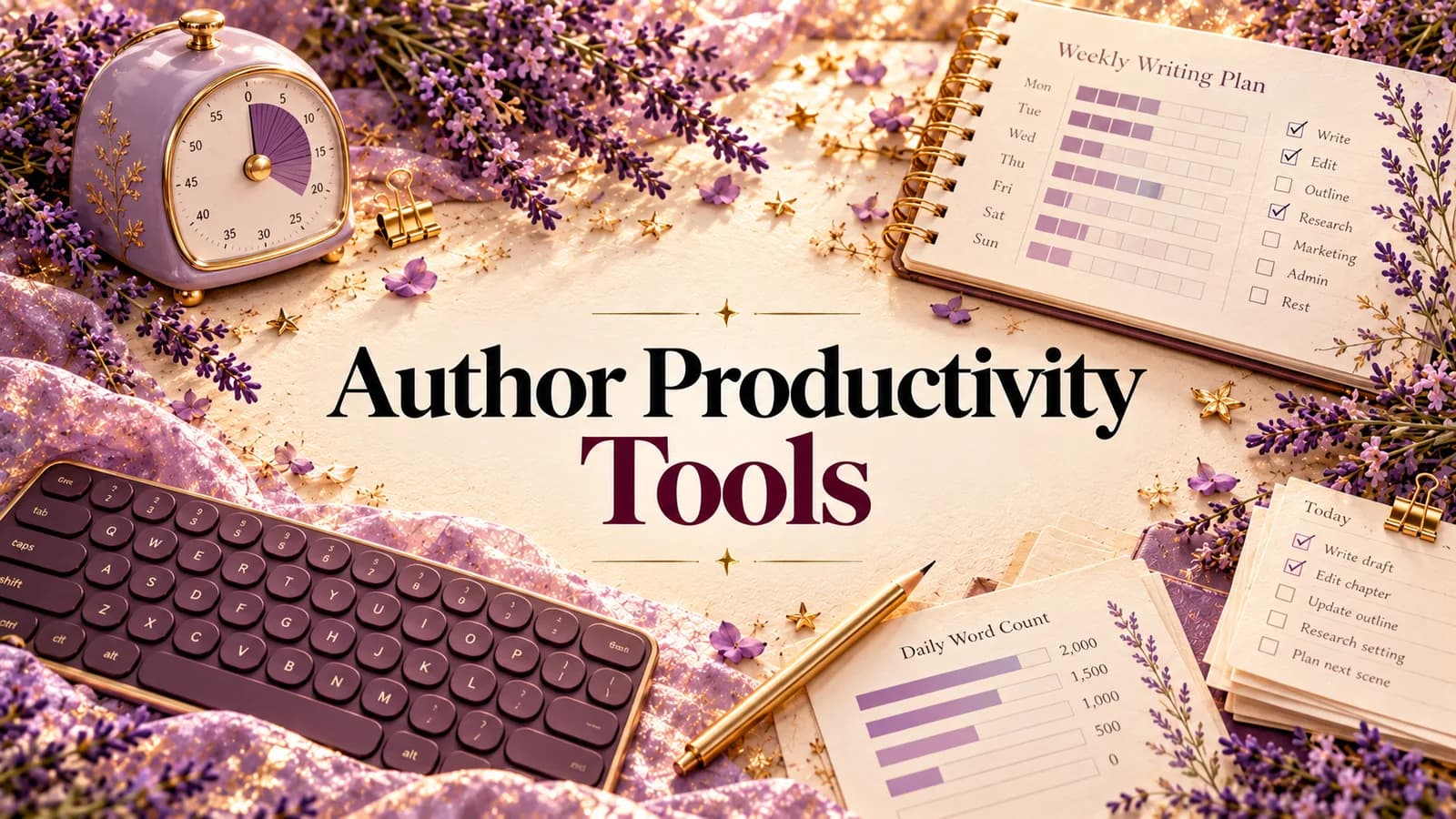
That's why so many author productivity tools miss. They promise to make you write faster: sprint timers, word-count streaks, focus music. Those can help. But for most authors, typing speed was never the bottleneck. The time leaks out everywhere else.
The six places writing time leaks
Think of a book as a long project with six kinds of work wrapped around the actual writing. Each one has its own leak.
| Leak | What it looks like | Typical cost |
|---|---|---|
| 1. Start-up | Sitting down and spending 20 minutes figuring out where you were and what's next | Every session |
| 2. Switching | Manuscript in Word, notes in a phone app, characters in a spreadsheet, outline on a corkboard | Dozens of times a session |
| 3. Hunting | Looking for a fact, a note or an old idea you know you wrote down somewhere | Minutes each time |
| 4. Deciding | A pile of feedback and no idea which problem to fix first | Days of stalled revision |
| 5. Waiting | Weeks for beta readers or an editor before you know if a chapter works | Months per draft |
| 6. Packaging | Exporting, formatting, writing a blurb and query letter at the end | A week you didn't plan for |
A timer helps with none of these. A good author productivity tool should plug at least one. A great one plugs several, because most of the leaks happen between tools.
The tools that plug each leak
Here's the honest landscape. You don't need all of these. Pick the leaks that hurt you most.
For start-up: a clear "next step" list. The fastest way to begin a session is to know exactly what you're doing before you sit down. A plain to-do list works. A list that's tied to the exact scene that needs work works better.
For switching: one home for the book. This is the big one. Scrivener popularized the idea of keeping manuscript, notes and research in one binder. Any tool that keeps your draft, your characters, your world and your outline in the same place, and keeps them in sync, will save you more time than any timer.
For hunting: search plus structure. You need to find a character fact in seconds, and an old idea without remembering which app you wrote it in.
For deciding: prioritized feedback. Feedback is only useful when it's sorted. "Seventeen notes" is paralyzing. "Three important problems, start with this scene" is a work plan.
For waiting: faster reader signal. Human beta readers are irreplaceable, but you can test a chapter much earlier, and collect human responses in one place instead of a dozen email threads.
For packaging: export and pitch tools. Clean Word files, a blurb, a query letter, a checklist of what's still missing.
For focus: the classics still work. A Pomodoro timer, a website blocker like Freedom or Cold Turkey, noise-cancelling headphones. Cheap, simple, and genuinely useful. They just solve a different problem from the six leaks above.
Why StoryWith AI is the productivity tool we'd pick
A quick disclosure: StoryWith AI is our own product. Here's what it does for each leak, what it doesn't do, and where you'll still want something else.
StoryWith AI is a writing studio for fiction and non-fiction authors. It wasn't designed as a "productivity app". It was designed so that everything a book needs lives in one place and the pieces know about each other. That turns out to be the thing that saves the most time.
Leak 1, start-up: "Next best steps"
StoryWith has an Actions page that takes every analysis you've run (continuity, scene purpose, style, dialogue, reader personas, real reader feedback) and turns it into one prioritized to-do list.
Each item shows its category (pacing, clarity, character, continuity, structure, style, reader feedback, scene purpose), how severe it is, how confident the analysis is, and how much effort the fix will take: quick, medium or deep. There's a short why it matters and a suggested direction. Click an item and you jump straight to the scene.
So a session starts like this: open Actions, pick the top quick fix, you're in the scene in five seconds. You can pin what matters, defer something for seven days, and mark it resolved when it's done. Each book also has its own task list, where you can add your own to-dos with a short note.
Leak 2, switching: one book, one place
In StoryWith, these all live inside the same book:
- the manuscript, organized into chapters and scenes, in a distraction-free editor that autosaves as you type
- the Story Bible: characters, relationships, places, factions, rules, magic systems and more
- the Story Map: every chapter and scene as a card you can drag into a new order
- the outline and planning notes, which stay out of your exported manuscript
- sources for non-fiction, and a timeline for when things happen
And the pieces stay connected. Sync with manuscript proposes Story Bible updates after the draft changes, so your character sheet doesn't quietly go stale. Rename a character and the change can carry through the book. No more keeping a spreadsheet in step with a Word file by hand.
Leak 3, hunting: the Ideas vault and revision history
Ideas that arrive away from your desk go into the Ideas vault. Type them, or record a voice note and have it transcribed, either word for word or cleaned up into a sentence, paragraph or short scene. Press Organize and each idea gets a title, summary and tags. Then search, filter or pin. When you start a book, link the relevant ideas and the Planning tool uses them.
For the draft itself, Revision history keeps one ledger of every snapshot, scene version and analysis, so "what did chapter four look like before I cut it?" takes a click, not an archaeology session through final-v3-REAL.docx.
Leak 4, deciding: diagnostics that sort themselves
This is where most revision time disappears, and where StoryWith does the most.
- The readiness check runs six structural checks (length, premise, scene completeness, critical and high-priority issues, continuity) and gives each a pass, warn or fail. It spends no AI credits.
- The continuity checker catches the eye color that changed, the character who knows something too early.
- Scene purpose, dialogue, themes, arc and pacing analyses each look at a different layer of the book.
- The Quality panel flags passive voice, hedge words, very long sentences and monotonous rhythm. It runs locally, with no credits.
All of it feeds the same Actions list. Instead of a dozen reports, you get one ordered plan.
Leak 5, waiting: feedback in days, not months
- AI reader personas: run a scene, a chapter or the whole book past three to five simulated readers (a thriller fan, a line editor, a book club reader and more). Each says what kept them reading, where they got confused and where it dragged.
- Feedback sessions: send real readers a private link (3 to 20 of them). Ask your own questions, then see their answers and drop-off points in one place.
- AI vs readers: compare what the personas predicted with what real readers said, so you learn how far to trust the fast signal.
You still want humans. You just don't have to wait for them to find out that chapter three drags.
Leak 6, packaging: export and Pitch Kit
When the book is ready, export it to Word or PDF with chapters as real headings. The Pitch Kit helps with the parts authors leave too late: title ideas, a logline, a blurb, a query letter, and a submission checklist so you can see what's still missing.
What StoryWith doesn't do
Fair is fair. There are no sprint timers, writing streaks or daily word-count badges, so if those motivate you, keep your favorite timer app open next to it. It won't block distracting websites. It doesn't write your book for you either: it's built to help you plan, organize and revise your own work. And the AI analyses use credits. Writing, organizing, the Story Bible, the readiness check and the Quality panel don't.
A one-week productivity reset
If your writing time feels like it's vanishing, try this for one week.
Day 1: Measure. Do the tick experiment from the top of this article. Write down which of the six leaks cost you most.
Day 2: Consolidate. Import your draft into one place. Move your character notes and world notes into the same book.
Day 3: Empty your pockets. Get every loose idea from phone notes and voice memos into one vault. Don't tidy. Just capture.
Day 4: Diagnose once. Run a readiness check and one or two analyses on the whole book.
Day 5: Make the list. Turn the results into one prioritized list. Defer anything that isn't this month's problem.
Day 6: Work the list. Start every session with the top item. Count sessions where you were writing within five minutes.
Day 7: Review. Redo the tick experiment. Compare.
You'll probably still write at the same speed. You'll just spend much more of your writing time writing.
Questions authors ask
What's the single most useful productivity tool for an author? Whatever stops you switching. If your manuscript, notes and characters live in four apps, bringing them into one place will save more time than any timer or streak tracker.
Are writing sprints and word-count goals worth it? For drafting, often yes, especially for people who struggle to start. They do little for revision, which is where most books stall. Use them alongside a tool that tells you what to work on.
Is StoryWith AI only for novelists? No. It supports fiction and non-fiction, with sources, argument checks and evidence gaps for non-fiction books.
Will an AI tool make my book sound like AI? StoryWith is built around analysis and organization, not generating your book. The analyses tell you where to look. You decide what to change, in your own words.
What does it cost? There's a free plan to try it, and the Author plan is $19 a month. Check storywith.ai for current pricing.
The short version
Author productivity isn't about typing faster. It's about spending less time switching, hunting, deciding and waiting. Keep a timer if you like one. Then put your book, your notes and your next steps in one place.
Try StoryWith AI free at storywith.ai.