Writing with AI
AI Writing Studio: What It Is, What It Should Do, and Why Authors Choose StoryWith AI (2026)
Freelance developmental editor who has shepherded 200+ manuscripts from messy draft to publishable, and writes about revision like the craft it is.
Most writers now have more AI than they know what to do with.
There's a chatbot in one tab, a grammar checker in the browser, a notes app on the phone, a Word file that has grown to 80,000 words, and a spreadsheet that was meant to track the characters until it fell three drafts behind. Each tool is clever on its own. None of them knows the others exist, and none of them has read your book.
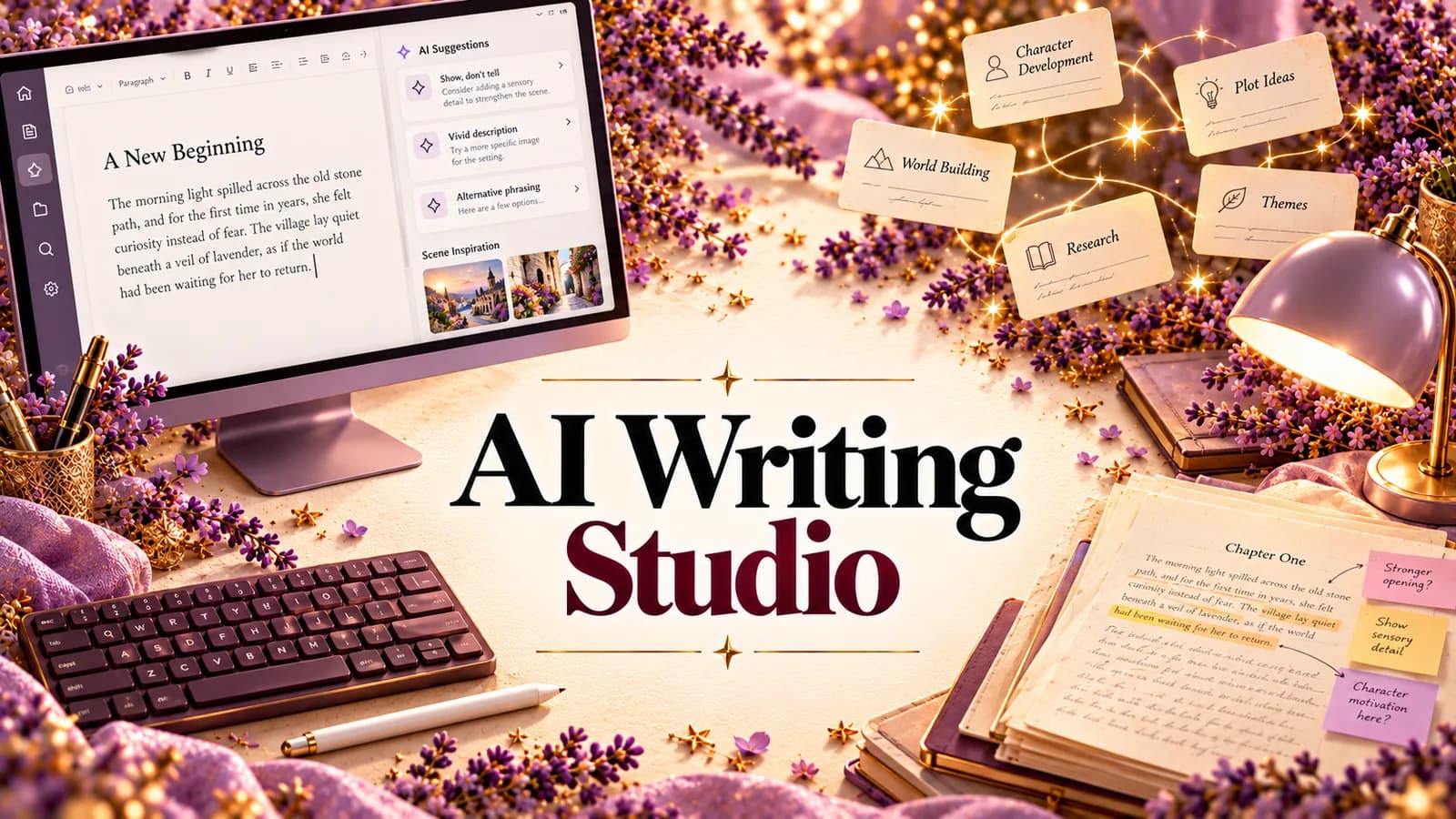
That's the problem an AI writing studio is meant to solve. Not more AI. One place where the manuscript, the planning, the analysis and the feedback live together, and where the AI actually knows what's in the book.
This guide explains what an AI writing studio is, what a good one should do at each stage of a book, how the main kinds of tool compare, and why we built StoryWith AI the way we did. (StoryWith AI is our product, so weigh our view accordingly. We'll be clear about what it doesn't do.)
What an AI writing studio is
A writing studio is a workspace for a whole book, not a single document. An AI writing studio adds intelligence that works on that whole book: it reads the manuscript, remembers who and what is in it, and helps you see what's working and what isn't.
It's easiest to understand by what it isn't:
| Tool | What it does well | What it can't do |
|---|---|---|
| AI text generator | Produces paragraphs on request | Remember chapter three, or keep your voice |
| Chatbot | Answers questions about what you paste in | Hold a 90,000-word book in view, or stay current as you revise |
| Grammar checker | Fixes sentences | See structure, pacing, arcs or continuity |
| Writing app | Organizes chapters and files | Tell you whether the book works |
| AI writing studio | Holds the whole book, and reads it back to you | Replace your judgment, or an editor's |
The key difference is memory and connection. In a studio, the outline knows about the manuscript, the character sheet updates when the draft changes, and every piece of feedback points at a real page. (We dig into the generator-versus-assistant split in AI writing vs an AI writing assistant.)
What a good AI writing studio should do, stage by stage
A book goes through five stages. A real studio helps at every one, and passes what it learns from one stage to the next.
| Stage | What you're doing | What the studio should give you |
|---|---|---|
| 1. Ideas | Catching sparks before they vanish | A vault you can type or speak into, that organizes itself |
| 2. Planning | Premise, characters, world, outline | A story bible and a structure you can rearrange |
| 3. Drafting | Writing chapters | A calm editor that autosaves, with help only when you ask |
| 4. Revision | Finding what's broken | Whole-book analysis, ranked, linked to the page |
| 5. Finishing | Readers, pitching, export | Beta readers, a pitch kit, clean Word and PDF export |
Most writers cover these stages with four or five separate tools. It works until the draft gets long. Then nobody, including the author, can hold the whole book in their head.
Five tests for choosing an AI writing studio
Before you move a manuscript anywhere, ask:
- Does the AI know my whole book? If it only sees what you paste, it's a chatbot with a nicer skin.
- Do the pieces stay in sync? Rename a character in chapter two. Does the character sheet notice?
- Does it diagnose, or only generate? Writing more words is easy. Knowing which chapters aren't working is the hard part.
- Does it leave my voice alone? AI help should be a suggestion you accept, never a silent rewrite.
- Is my manuscript private? It should be visible only to people you invite, and never used to train AI models.
If a tool passes all five, it's a studio. If it passes one or two, it's another tab.
Why authors use StoryWith AI as their AI writing studio
StoryWith AI is a manuscript-aware writing studio for authors, for fiction and non-fiction. Your manuscript, story bible, outline, analysis and readers live in one book, and the pieces know about each other. It doesn't write your book for you. It helps you write it, and more importantly, finish it.
1. Ideas: a vault that organizes itself
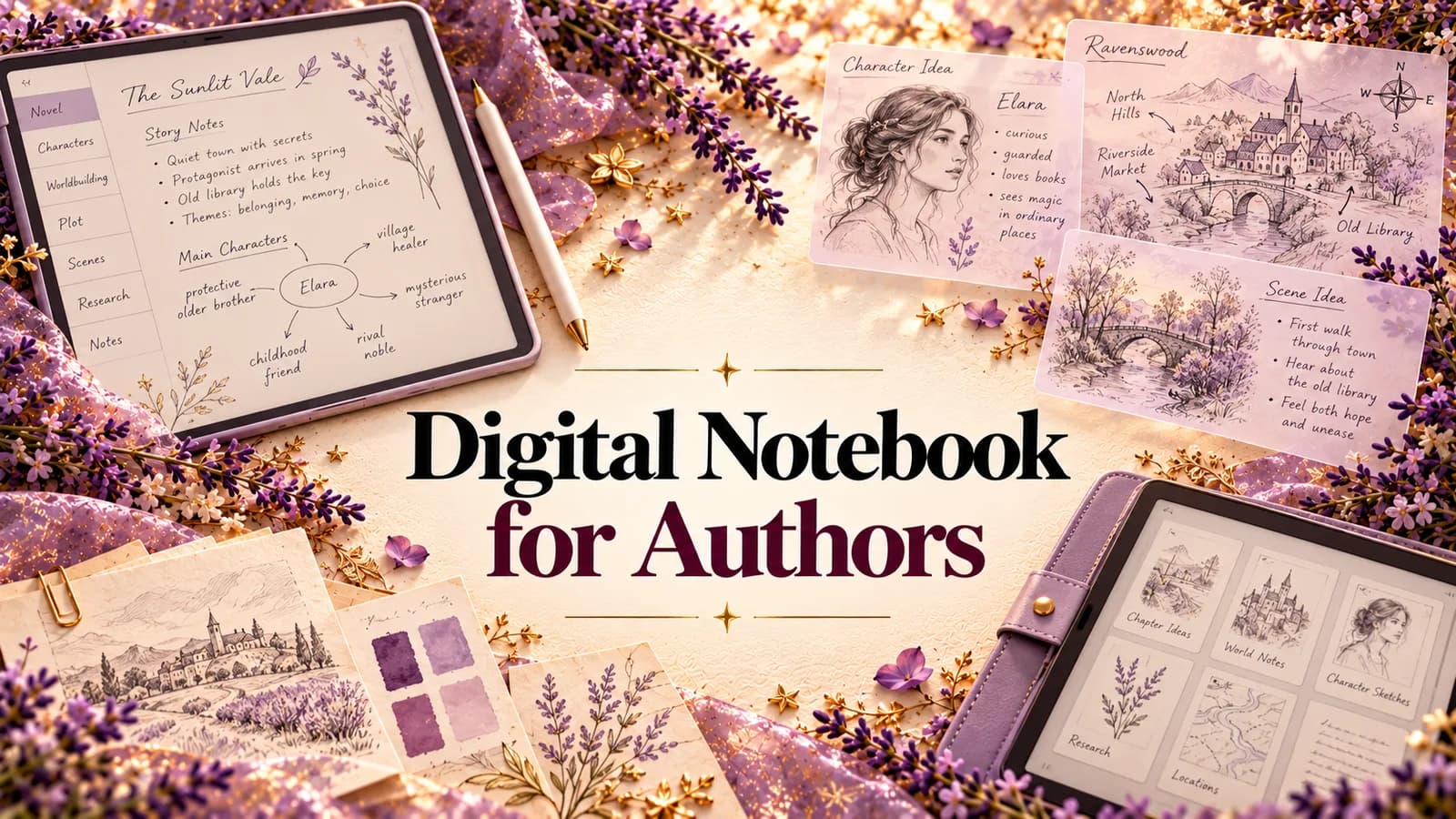
Ideas that hit you on a walk go into the Ideas vault (more in our guide to a digital notebook for authors). Type them, or record a voice note and have it transcribed, word for word or cleaned up into a sentence, a paragraph or a short scene. Press Organize and each idea gets a title, a summary and tags. When you start a book, link the ideas that belong to it, and the planning tools use them.
2. Planning: a Story Bible that stays in sync
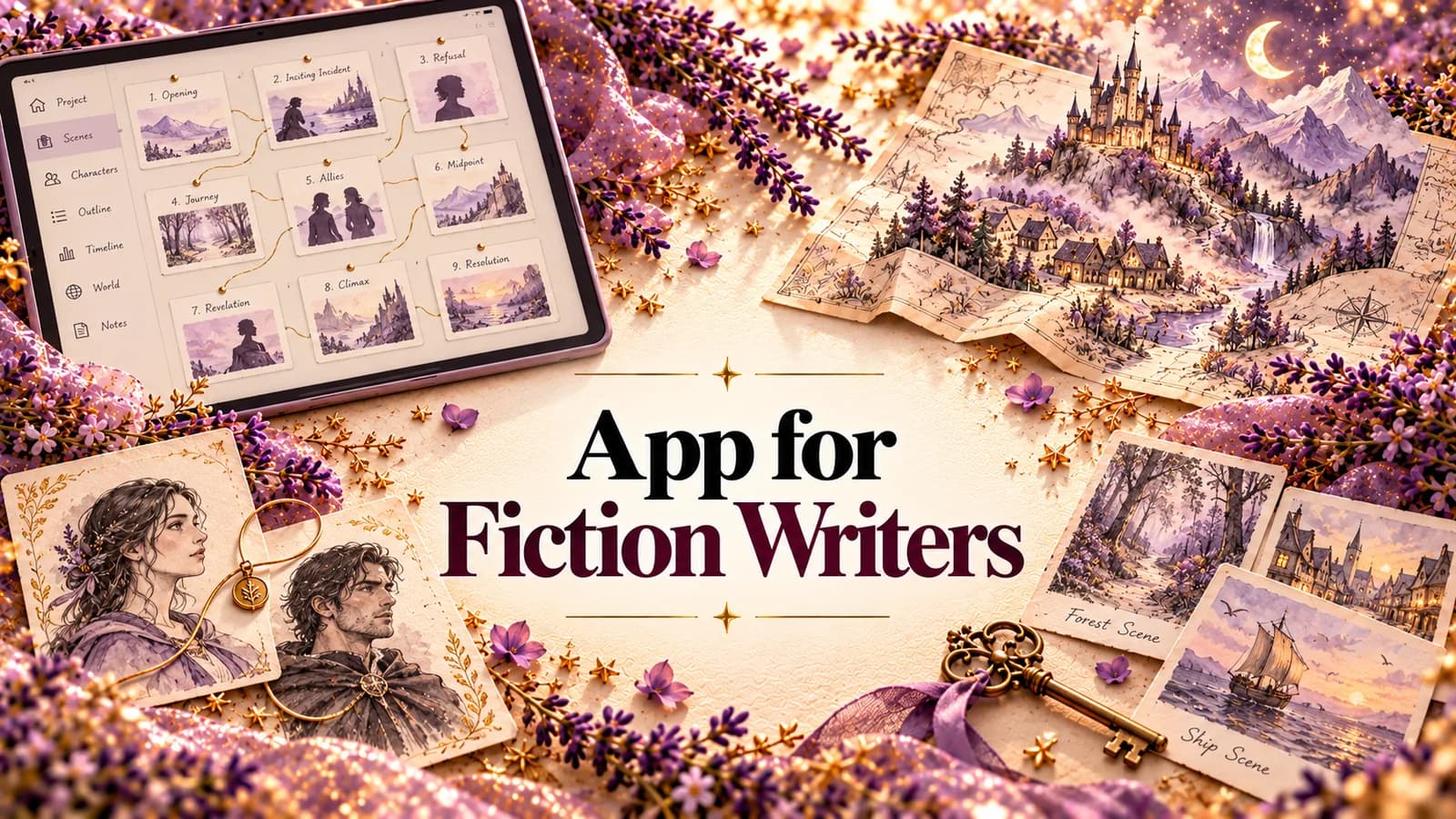
The Story Bible holds your characters, relationships, places, themes and timeline. Each character has fields for role, voice, goals, fears, secrets, backstory and arc, including what they want versus what they need. Relationships are typed: ally, rival, mentor, family, romance and more. For fantasy and science fiction, there's room for magic systems, cultures, languages and factions.
The part that matters most: Sync with manuscript proposes bible updates after your draft changes, and you review each one. Your character sheet stops going stale.
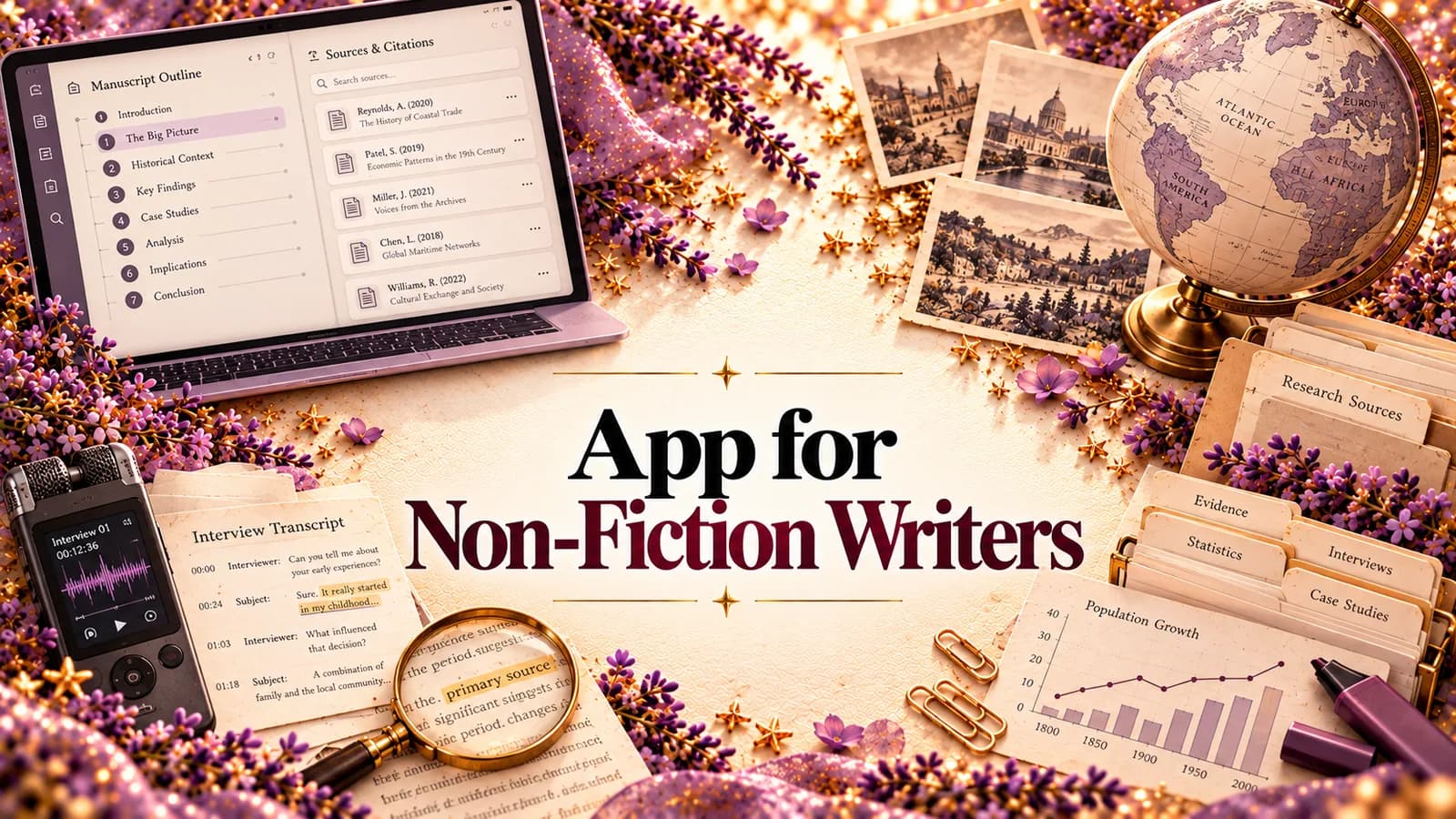
In non-fiction, the bible becomes a Research Bible: the people, organizations, concepts and key terms your book depends on, with your sources kept next to the manuscript.
3. Drafting: a calm editor, with help on request
The manuscript is organized into chapters and scenes you can drag into a new order, in a distraction-free editor that autosaves as you type. Planning notes stay out of the exported book. Every scene keeps a version history, so you can try a bold cut and restore the old version if it doesn't work.
Already have a draft? Import a .docx, .md, .txt or .pdf file and StoryWith splits it into chapters and scenes, then builds the bible from what you actually wrote.
When you want AI help with a passage, select it and choose Tighten, Rewrite, Describe, Analyze or Instruct. What comes back is a suggestion. Nothing changes in your manuscript until you accept it.
4. Revision: the whole book, read back to you
This is where most writing tools go quiet, and where StoryWith does the most. (The full breakdown is in our guide to AI manuscript analysis.) Its analyzers read every chapter, so problems that only exist across the book become visible:
- Structure and beats: setups that never pay off, and turns that don't land.
- Pacing and emotional arc: tension chapter by chapter, on a chart.
- Character arcs: where change starts, stalls or never arrives.
- Scene purpose: scenes that are well written but do no work.
- Continuity and plot holes: names spelled two ways, ages that shift, timelines that contradict themselves.
- Dialogue: voices that blur together, and exposition dressed up as talk.
- Readability and theme: prose outside the genre's range, and what the book is about underneath.
Non-fiction adds fact check, argument soundness and a dependency scan for ideas used before they're explained.
Every finding links to the passage that caused it, and all of them land in one Diagnostics list, sorted into Critical, High, Medium and Low. In Next Steps, each becomes a card that explains why it matters and suggests a direction. Open the scene, fix it in your own words, mark it resolved, pin it, or defer it to the next draft. A readiness score lets you see the book improve as you work.
5. Finishing: readers, pitching and export
- AI beta readers. Test a chapter on 3 to 5 simulated reader personas. Each rates engagement, clarity, emotional impact and genre fit, and shows where they'd stop reading. They're simulated and directional, and StoryWith says so.
- Real beta readers. Share chapters with up to 20 readers through a private link, ask your own questions, and see where they stopped reading. The draft is never sent out as a file.
- Pitch Kit. Title ideas, logline, blurb, comps and a query letter for fiction. For non-fiction, a book proposal built from your own manuscript, with an overview, market analysis, comp titles and a chapter-by-chapter outline.
- Export. Word, PDF, Markdown or plain text, with chapters as real headings.
6. Private by default
Your book is visible only to you and the collaborators and readers you invite. It's not used to train AI models, and it's not sold. Because StoryWith diagnoses rather than generates, feedback on your own book counts as AI-assisted, not AI-generated, under Amazon KDP's guidelines. (Check KDP's current policy before you publish.)
What StoryWith doesn't do
Fair is fair:
- It won't write your novel for you. It isn't built to generate chapters for you to publish.
- It can't judge voice or market fit. The analysis finds what can be found systematically. Whether the ending is earned is still a human call.
- There's no track changes. If your editor works only in Word redlines, export for that round.
- It isn't a reference manager. For formal citations in an academic book, keep Zotero.
- There are no sprint timers or word-count streaks.
- AI analyses use credits. Writing, organizing, the Story Bible and the readiness check don't.
How StoryWith compares with the tools you might be using now
| Need | Chatbot | Writing app | Grammar tool | StoryWith AI |
|---|---|---|---|---|
| Holds the whole manuscript | – | ✔ | – | ✔ |
| Story or Research Bible that stays in sync | – | Manual | – | ✔ |
| Whole-book structure, pacing and continuity analysis | Partial | – | – | ✔ |
| Findings ranked and linked to the page | – | – | Line level | ✔ |
| AI and real beta readers in the same project | – | – | – | ✔ |
| Leaves your prose alone unless you accept a change | Depends | ✔ | Suggestions | ✔ |
| Pitch kit or book proposal | Generic | – | – | ✔ |
You don't have to throw out everything else. Plenty of authors keep a grammar tool for the final polish. The point of a studio is that the book itself lives in one place.
What it costs
You can start for free, with no card needed. The Free plan includes every tool and unlimited books, with a small one-time AI allowance and basic continuity and coverage scans.
| Plan | Price | Who it's for |
|---|---|---|
| Free | $0 | Trying the studio on your own book |
| Author | $19/month | Working authors: 500 AI text actions a month, full continuity, coverage and dependency scans, up to 2 collaborators per book |
| Pro | $39/month | Full-time authors and editors: unlimited AI text actions, priority models, unlimited reader sessions, up to 5 collaborators |
| Studio | Team plan | Teams: Pro for every member, shared library, roles, pooled AI |
Check storywith.ai/pricing for current prices.
Common questions
What is an AI writing studio? A workspace for a whole book, where the AI has read the manuscript and connects your drafting, planning, analysis and feedback. It's different from a text generator, which only produces words on request.
Will StoryWith write my book for me? No. It helps you write, plan, revise and finish your own book. AI edits only happen when you ask, and only land when you accept them.
Can I bring in a draft I've already written? Yes. Import .docx, .md, .txt or .pdf with selectable text. A scanned PDF needs to be saved as .docx first.
Does it work for non-fiction? Yes. Non-fiction gets a Research Bible, sources, fact check, argument soundness, a dependency scan and a book proposal builder.
Can I use it on my phone? Yes, in any modern mobile browser or with the Android app on Google Play.
Is my manuscript safe? It's private to you and the people you invite, and it's never used to train AI models.
The bottom line
Writers don't need more AI tabs. They need one place where the book lives, where the AI has actually read it, and where every idea, character, finding and reader reaction is connected to the page it belongs to. That's what an AI writing studio should be, and it's what StoryWith AI is built to be, from the first idea to the finished manuscript, without writing a word you didn't choose.
Start your book free at storywith.ai.